The Login Trick That Doesn't Need Your Password
30 Sep 2026
Key Takeaways
- A hacker can now take over a business email account without ever knowing the password.
- The trick works by getting someone to click Allow on a genuine looking Microsoft or Google permission screen.
- Once granted, that access survives a password reset and does not require MFA to be bypassed.
- The only way to shut it down is revoking the rogue app's access directly in account security settings.
- The FBI is linking this method to targeted attacks on executives, family members and known contacts.
A different kind of break in
Most people picture a hack as someone guessing a password or slipping past a login screen. This one skips that step entirely. The FBI has just issued a public warning about a technique researchers are calling consent phishing, and it is worth every business owner and finance director understanding, because it does not rely on stealing a single credential.
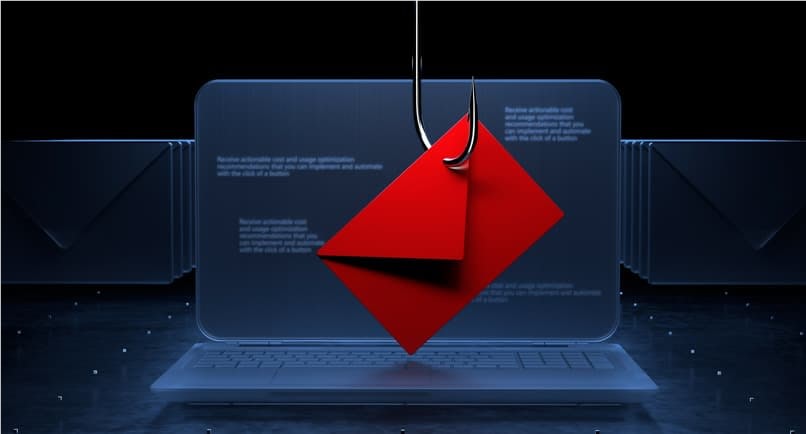
Instead of chasing your password, the attacker goes after your permission. They build an application, register it with a real, trusted identity provider such as Microsoft or Google, and design it to request sweeping access to your mailbox, files or calendar. Nothing about the request looks fake, because technically it is not. The provider itself is legitimate. It is the intent behind the request that is malicious.
How the trap is set
The attacker typically poses as a journalist, an academic or a well known organisation and sends a message containing a link to what looks like an important document or shared file. Anyone who clicks it is taken to a genuine Microsoft or Google consent screen, the same type of screen you would see approving a calendar app or a file sharing tool you actually want.
Click Allow, and the job is done. No password was typed into a fake site. No MFA code was intercepted. The victim handed over access willingly, simply without realising what they were actually agreeing to.
Picture it less like someone picking a lock and more like signing a letter of authority for a total stranger, granting them standing permission to come and go from your house whenever they please. Changing the locks afterwards makes no difference, because that stranger was never relying on the lock. They are carrying your signature.
Why a password reset will not save you
This is the detail that catches most people out. In a conventional breach, resetting the password locks the attacker out. Here, the access granted through that consent screen sits at the application level, independent of your login credentials entirely. The attacker can go on reading email, sending messages or pulling files from a compromised account long after the password has been changed, precisely because they never needed it in the first place.
The only way to properly close the door is to find the rogue application in your account's security settings and revoke its access token directly, whether that is within Microsoft Entra, Google Workspace admin, or the equivalent tenant level controls.
What this means for a business, not just an individual
The FBI's warning centres on high profile individuals and their close contacts being targeted directly, but the underlying weakness applies to any organisation running Microsoft 365 or Google Workspace, which today is most of them. A single member of staff clicking Allow on the wrong request can hand a third-party standing access to a live business mailbox, and most IT teams never routinely audit which third party applications their staff have already approved.
That is exactly the kind of blind spot governance and access controls are designed to close, checking not just who has a password, but what permissions have quietly been granted around it, and by whom.
Practical steps worth taking now
- Review consent grants. Check the enterprise application list in Microsoft Entra or connected apps in Google Workspace for anything unfamiliar or overly broad in scope.
- Restrict user consent. Where possible, require administrator approval before any new third party app can request access, rather than leaving that decision to individual staff.
- Verify before clicking. Treat unexpected, shared documents from journalists, academics or unfamiliar contacts with the same suspicion as any other unsolicited link.
- Know your revocation process. Make sure whoever manages your tenant knows exactly how to revoke an application's access token, not just how to reset a password.
None of this requires exotic technology.
It requires knowing what has already been approved inside your own Microsoft 365 or Google Workspace tenant, which for most businesses is the part nobody has looked at in a while.
Source: FBI Internet Crime Complaint Center public service announcement, September 2026.
Back Top